Configuration
Configuration is in two steps.
Create a new carrier
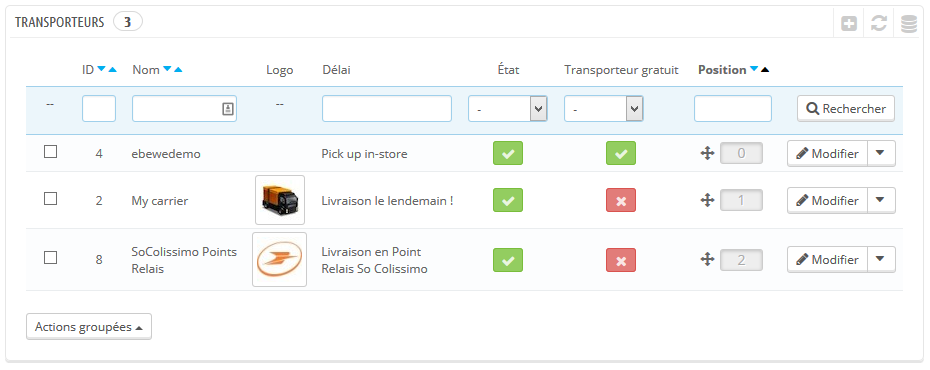
First, you need to create a new carrier named, for example, “So Colissimo Points Relais”.
Configure it as you would for any other carrier.
Then, on the module’s configuration page
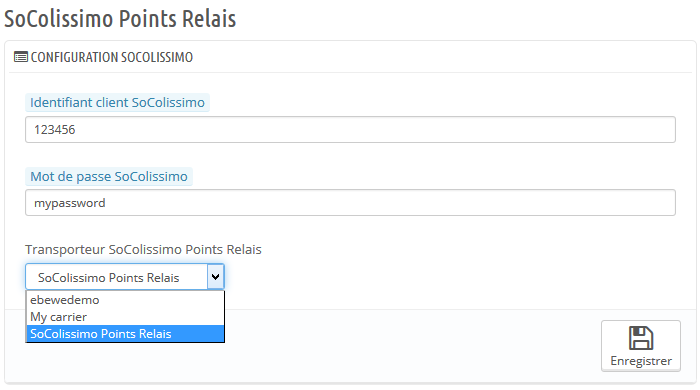
Enter your logins to your SoColissimo account. The ID and password you use to connect to your account on www.colissimo.fr.
Select the carrier you want to use to display the So Colissimo points relais.
In this example, we will select the one we created previously: “So Colissimo Points Relais”.
Click on the Save button.
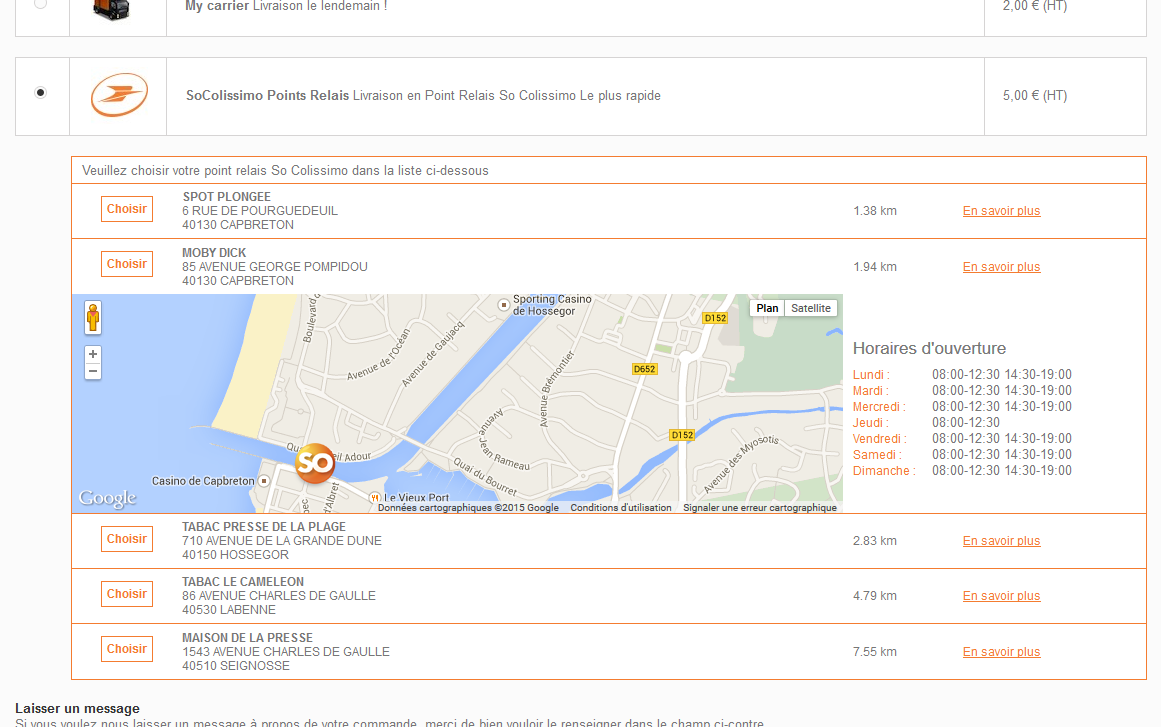
Configuration is over, when your customer will arrive on the shipping’s choice page, they will now be invited to chose a So Colissimo Point Relais.